Your trip, even with no signal.
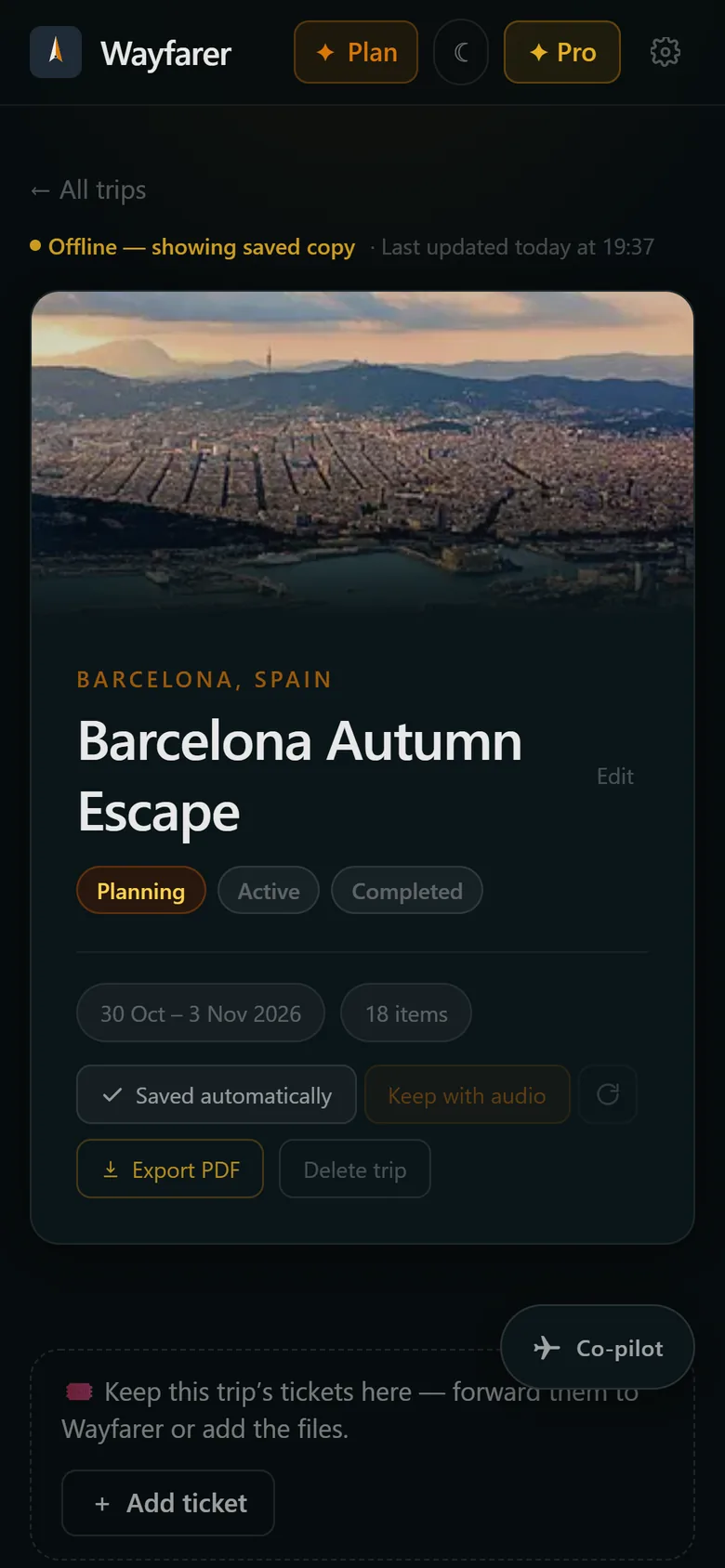
Landing with no roaming, underground on the metro, or on a ferry with no Wi-Fi: Wayfarer keeps your itinerary, tickets and tour audio on your phone, so the details are there when you need them.
You need it most when there's no signal
You need the hotel address in the taxi from the airport, before you've sorted out data. You need the booking reference at a check-in desk in a basement. You need the walking route on a hillside with one bar of signal. A travel app that only works online lets you down at exactly those moments. Wayfarer keeps a copy of each upcoming trip on your phone and updates it whenever you're connected, so opening it with no signal looks the same as opening it at home.
How it works
- 01
Open way-farer.io on your phone
There's no App Store download and nothing to update. Wayfarer runs in your browser.
- 02
Add it to your Home Screen
On iPhone, tap Share and then Add to Home Screen. On Android, tap Install. It opens full screen, like any other app.
- 03
Your trips save themselves
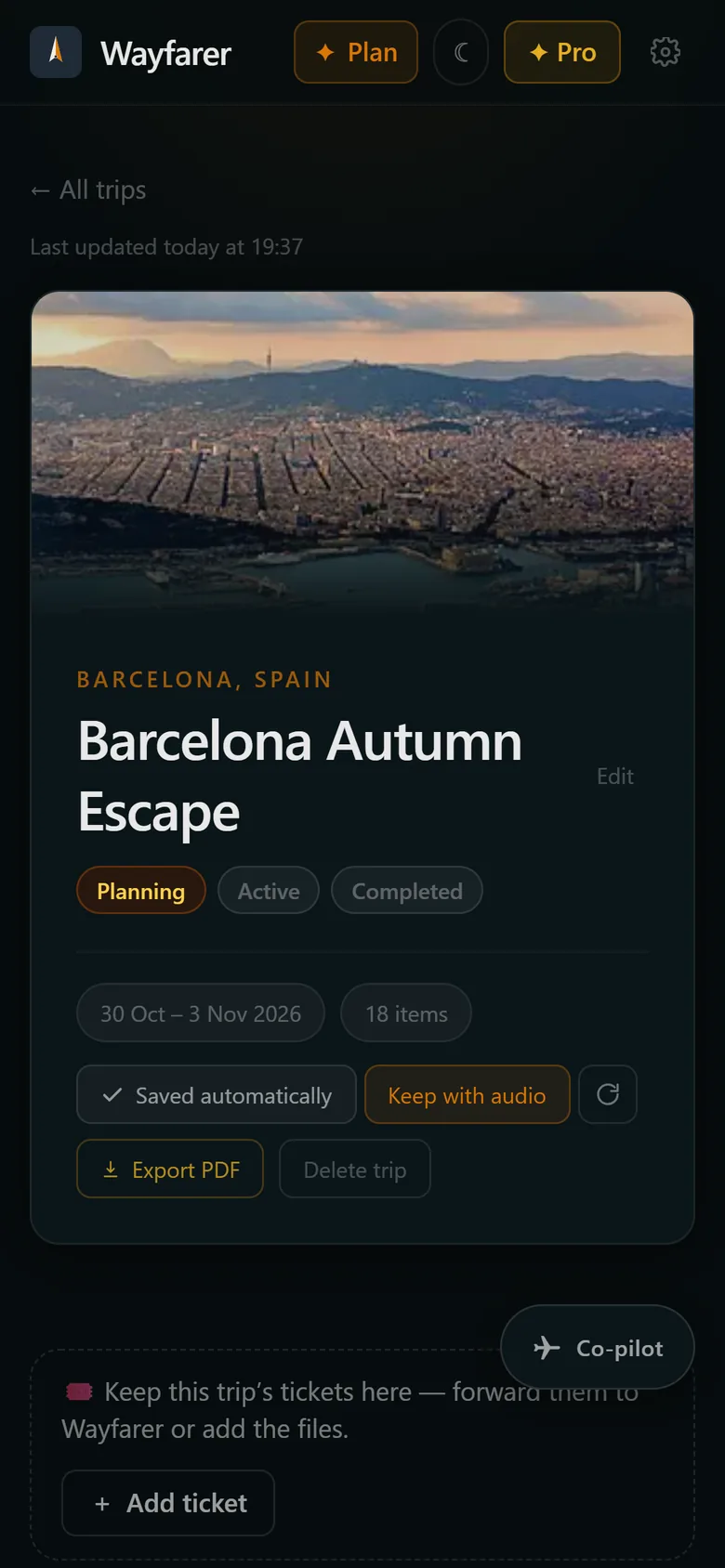
Upcoming trips are saved to your phone automatically, and you can keep any trip, with its tour audio, after it ends.
What works offline
Your itinerary with times, addresses and booking references, your tickets with codes ready to scan, your saved places and your walking tours with their audio.
Change things offline too
Edits you make without a signal wait on your phone and sync by themselves when you're back online.
Private by design
No ads and no tracking cookies. We count page visits without cookies and never sell your data. Delete your account and your data goes with it.
One app on every device
Because Wayfarer runs in the browser, it's the same on iPhone, Android and your laptop, and every improvement reaches you straight away.
Always the latest copy
Each trip shows when its saved copy was last updated, and refreshes itself whenever you open it with a connection. The trip's map is saved as a picture, so you can still see where everything is.
Reminders that reach you
Turn on notifications from the Home Screen app and Wayfarer can remind you to check in and bring up your boarding pass before the flight, even when it isn't open.
Questions
- Is there an iPhone app?
- Add Wayfarer to your Home Screen from Safari and it works like one: full screen, offline, with notifications. An App Store version is planned.
- Will my trip still be there if I don't open Wayfarer for a while?
- Yes, if you use it from your Home Screen. iPhones can clear data for websites you haven't visited in a while, but apps on your Home Screen are kept.
- Do I need an account?
- Yes, a free one, so your trips sync between your phone and your laptop. No credit card needed.
- Does it work on Android?
- Yes. Open way-farer.io in Chrome and tap Install. On Android you can also share tickets and Instagram posts straight to Wayfarer from other apps.
- What doesn't work offline?
- Anything that needs a live answer: the co-pilot, live maps and street view, and bookings you've only just forwarded. They pick up again as soon as you're back online.
More from Wayfarer
See all features →Email import
Forward any confirmation and your itinerary builds itself.
AI co-pilot
Suggestions that fit your actual itinerary, added in one tap.
Walking tours & runs
Self-guided tours and running routes from your door, with audio.
Ticket wallet
Boarding passes and e-tickets, redrawn sharp and kept offline.
Instagram saves
Share a reel and its places land on a map, ready for your trip.