Turn travel reels into places you'll actually visit.
That “10 things to do in Tokyo” reel you saved and never found again? Share it with Wayfarer and the places in it are pinned on a map and kept on a trip for that city.
A saved folder isn't a plan
You save a reel of ten places in Lisbon, then another, then a friend sends you one. Months later you're in Lisbon and can't find any of them, or you find the video and have to keep pausing it to copy down each name. Wayfarer turns those posts into something you can use. Share a post and it pulls out each place, finds it on Google Maps and keeps it under the right city. When you plan that trip they're already there, on the map beside your hotel.
How it works
- 01
Share the post
On iPhone, share the reel or post by email to trips@way-farer.io. On Android, share it straight to Wayfarer.
- 02
Wayfarer finds the places
It reads the post, matches each place on Google Maps and works out which city they're in.
- 03
Plan with them
They're added to your trip for that city, or to a new Someday trip if you haven't planned one yet, ready to put on a day when you go.
Your saves, by country
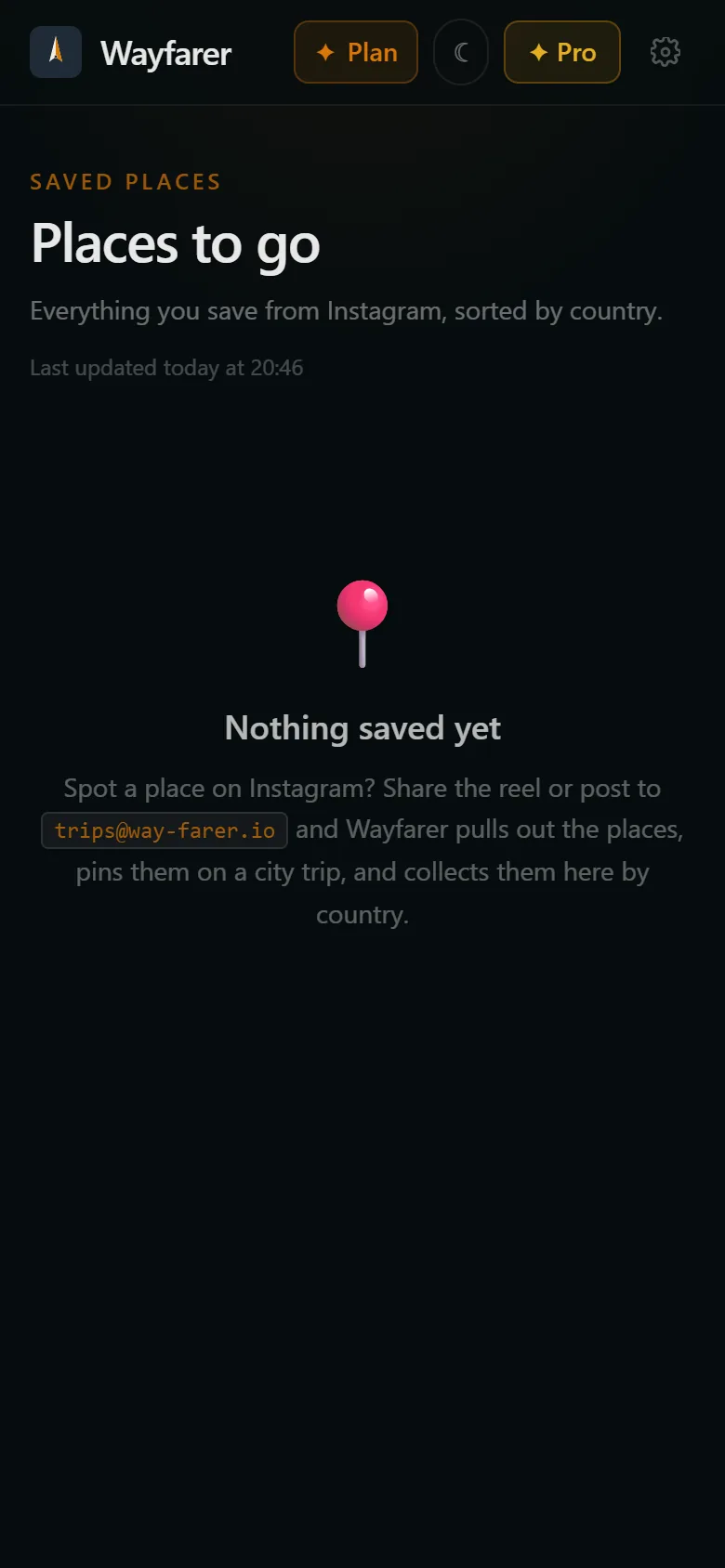
The Saved hub collects everything you've saved from Instagram, grouped by country, so you can see what you have for a place at a glance.
On the map with everything else
Saved places sit on the trip map next to your hotel and bookings, so it's easy to see what's near where you'll be.
Places on the photos, not just the caption
Lots of posts name the places on the slides rather than in the text. With Premium, Wayfarer reads the slides of carousel posts too.
Nothing added without you
Saved places wait in their own list on the trip until you add them to a day.
From saved to planned
When the trip is on, your saves for that city are waiting on it. Tap Add to trip to put one on a day, open it in Maps to see where it is, or jump back to the original post.
Posts and carousels
It works with reels, single posts and carousels. A place list in the caption is the easiest for it to read, in any language, including names written in other alphabets.
Questions
- Does Wayfarer need my Instagram login?
- No. It only reads the public post you share with it.
- Does it work with reels?
- Yes, when the places are named in the caption. Reading places from the video itself is coming later.
- What if it can't find any places?
- You'll get an email saying so, and you can add places to your trip by hand.
- How many posts can I save?
- 20 a month on the free plan. Premium has no monthly limit, and reads places from every photo in a post.
- Will Wayfarer post or follow anything from my account?
- No. Wayfarer never connects to your Instagram account, so it can't post, follow or see anything you haven't shared with it.
More from Wayfarer
See all features →Email import
Forward any confirmation and your itinerary builds itself.
AI co-pilot
Suggestions that fit your actual itinerary, added in one tap.
Walking tours & runs
Self-guided tours and running routes from your door, with audio.
Works offline
Trips, tickets and tour audio kept on your phone.
Ticket wallet
Boarding passes and e-tickets, redrawn sharp and kept offline.